
Searching the Oliver Court Docket
Begin with the official Oliver Municipal Court page. It is separate from the city's Pay Fines page. Neither static page offers a complete docket search. Gather the issuing agency and the citation or case number. Also collect the full name as printed on the notice and the stated court date. Those details let the city's clerk tell a municipal citation apart from a county case. When the city page does not surface the record, contact Oliver or the issuing agency. Ask where the municipal docket entry lives. Hold off on PeachCourt. That platform serves Screven Superior and State Courts. It is not a confirmed index for Oliver Municipal Court.
- Confirm that Oliver Police or Oliver Municipal Court issued the matter.
- Open the official city court page and follow its current court instructions.
- Use the exact citation or case number if a dynamic lookup appears.
- Ask the municipal custodian for the charge, setting, status, and disposition.
- Use the county route only when the case belongs above the municipal tier.
Oliver Official Court Navigation
Oliver's official web home is the steady first stop for local navigation, with separate Municipal Court and Pay Fines pages linked from it. Treat the site as a route to the responsible city service rather than as proof that a citation exists or that a hearing has been resolved.
The City of Oliver website displays the court pages described here.
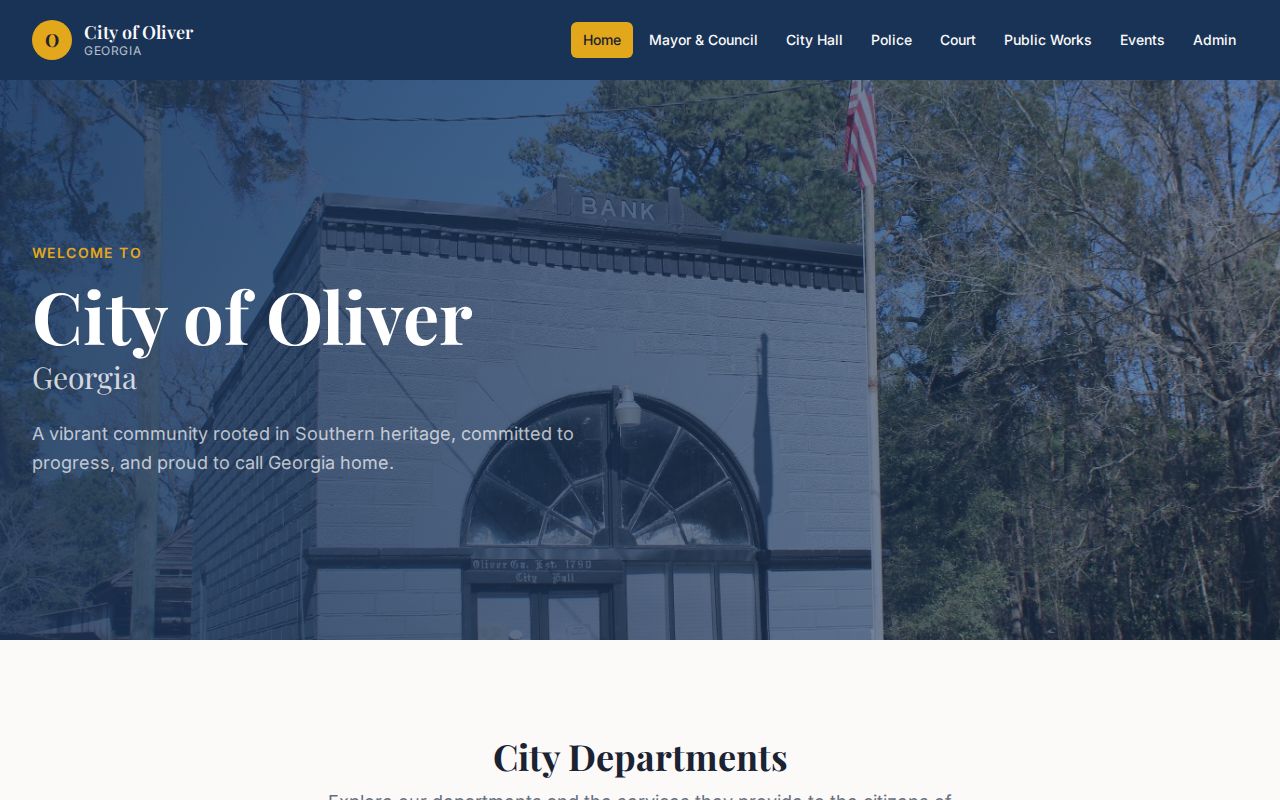
The official municipal source is what the page confirms. A menu link is not a docket entry. Open the specific court page, then verify the live status with the city if the page supplies only a shell.
Oliver Municipal Court Basics
Oliver Municipal Court keeps the city ordinance and traffic prosecutions assigned to it. That boundary matters. Mandy B. Howard's Screven County clerk holds the Superior and State Court files. The city court keeps the Oliver docket by default. A city matter does not become a county case. Both courts serve residents of Screven County, but that alone changes nothing.
The official Oliver Municipal Court source shows the court page itself.
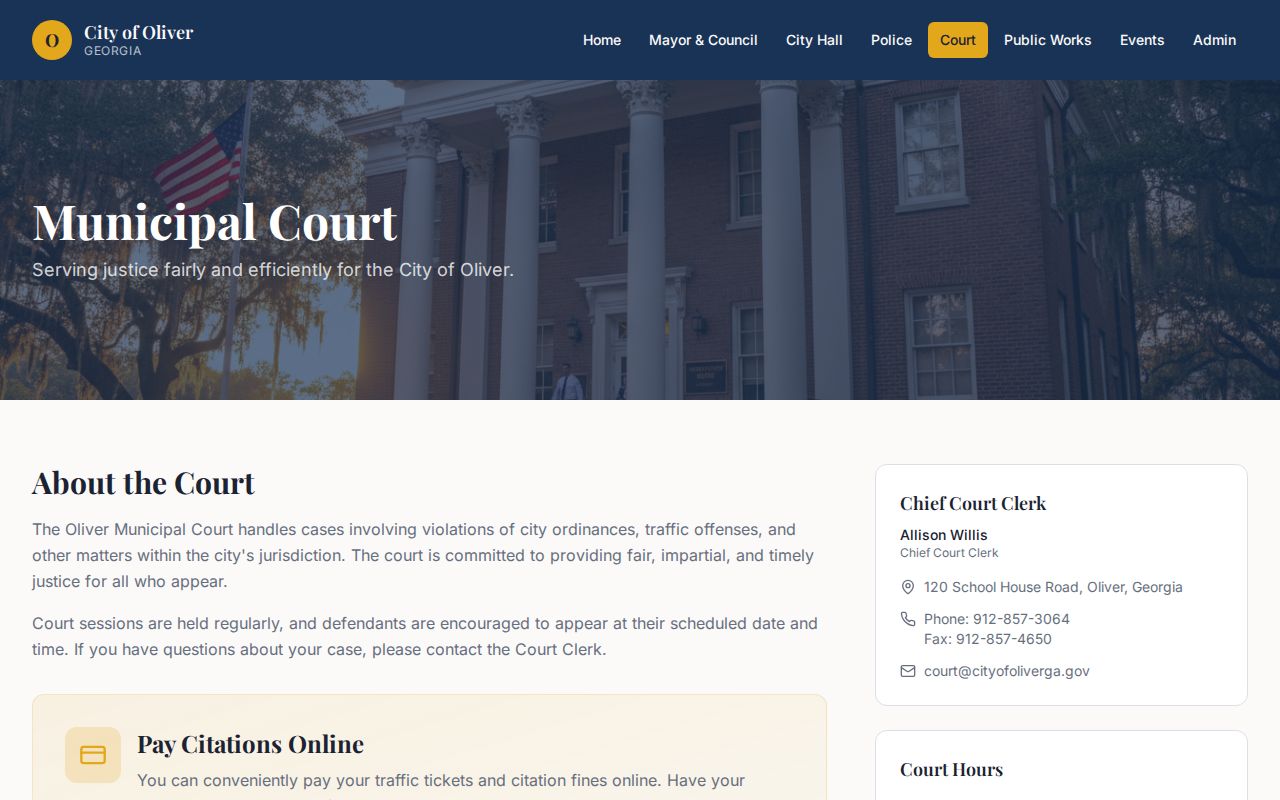
The page supports the court's official identity, not a claim that a public chronological register can be searched there. The court posts no stable phone or public building-photo page. Use the city source and the issuing agency rather than guessing at a contact.
Oliver Pay Page Is Dynamic
The Oliver Pay Fines page runs on controls that a static view cannot load. A blank or limited shell is a technology boundary. It is not evidence that the ticket is missing. Dynamic content can depend on browser scripts or a vendor service. It can also depend on a later step reached through the city's navigation.
The official Oliver Pay Fines page presents the payment route.
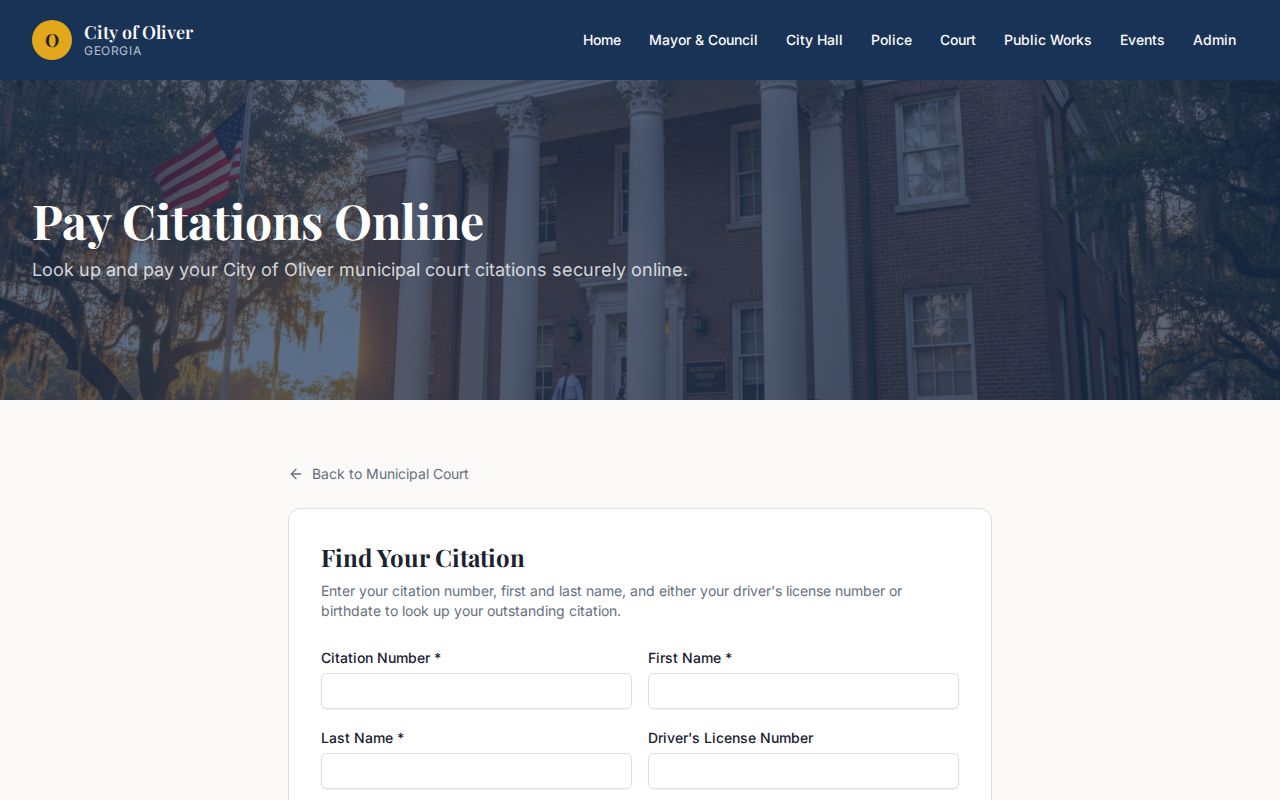
What the page documents is the public payment route itself. It shows no stable search fields, no complete municipal register, and no fixed fee. Recheck the live page before paying, and read any charge on the review screen.
A payment control serves one transaction. It may not show the filing history or plea. It may not show court orders, resets, or the certified disposition that make up the Oliver court docket.
Court Dates and Settings in Oliver
An Oliver court date can appear on a citation. It can also appear on a notice, a municipal docket entry, or instructions from the city court. Record the full setting, not just the day. If an online page and the paper notice disagree, contact the city's court staff before relying on either. A reset can leave the first date sitting in the record. It may move the active appearance while the old date stays.
| Date | The complete Oliver hearing date, including year. |
|---|---|
| Time | The stated appearance or docket-call time. |
| Court | Oliver Municipal Court, not merely “Screven.” |
| Location | The place printed on the current official notice. |
| Case or citation | The exact identifier, with letters and punctuation. |
| Setting type | Arraignment, trial, compliance, status, or other stated event. |
| Status | Active, reset, continued, canceled, or disposed. |
Oliver publishes no public calendar schedule. That gap makes the notice and direct confirmation from the city more valuable than any third-party calendar.
Oliver Has 210 Residents
The official 2020 Census PL 94-171 file counts 210 Oliver residents. Oliver ranks fourth among Screven County's five incorporated places. That figure is civic context, not a tally of court users or cases. No current Oliver municipal caseload total is published. Population should never be used to estimate docket volume.
Small-town scale can make direct confirmation easy, but it does not merge city and county jurisdiction. An Oliver citation can stay in municipal court while a different matter arising in Oliver belongs to State or Superior Court.
Traffic Tickets in Oliver
Oliver's traffic citations take two possible payment routes. The Sheriff's citation-routing page sends Oliver Police traffic payments toward a county-linked service, while the official city site also carries its own Pay Fines page. Check with Oliver before sending money. The two links may serve different ticket sources, workflows, or vendors.
Georgia Courts reports no centralized statewide traffic-citation database. Expect about 7 to 21 business days before a citation appears online. If the ticket never shows or the date has passed, call the issuing court rather than hopping between unrelated portals. Never assume the ticket moved to State Court.
Paying and contesting are separate choices. Pay only when the Oliver court confirms the citation is payable and you accept what payment means under the law. For a contest, a reset request, or a missed date, contact the court directly.
Oliver County Portal Routing
Oliver has a routing wrinkle worth understanding. The city supplies its own court and payment navigation, yet the Sheriff's citation page points Oliver Police traffic payments toward a county-linked service. Treat this as a comparison of channels. It does not prove every Oliver ticket lands on the Screven State Court docket.
| Route | Use | Verification |
|---|---|---|
| Oliver court page | Official city court navigation | Confirm current municipal instructions |
| Oliver Pay Fines | Dynamic city payment control | Check citation and fee before submission |
| Sheriff citation routing | Agency-based payment direction | Confirm issuing court with Oliver |
| PeachCourt | Screven Superior or State case access | Use only for a county-level filing |
The citation itself is your best first clue. Match the issuing agency and named court on the paper to the right route instead of picking a site just because it says "Screven."
Where Oliver Cases Go
Oliver Municipal Court covers only city matters. A county misdemeanor, felony, or civil action belongs wherever Georgia law places it. That holds even when the event happened inside Oliver. Screven State Court handles misdemeanors, traffic, warrants, and limited civil matters. Screven County Superior Court holds the felony trials and the broad civil docket.
Docket flow: Oliver Municipal Court › Screven County Courts › Screven County Superior Court.
That city line is a routing aid, nothing more. It is not an automatic appeal path for every matter. Start locally for an Oliver ordinance or municipal citation. For a known Screven Superior or State case, use PeachCourt instead. Probate, Magistrate, and Juvenile records sit with other offices under their own access rules.
The Screven County court docket overview lays out the county-level split once a confirmed case no longer belongs to the city tier.
Request an Oliver Docket Record
The online pages may not show the entry you need. In that case, ask the Oliver municipal court clerk for an existing record. Name the citation or case number, the court, the record type, and the date range. Request the docket sheet, a setting notice, a disposition, or a named order. Ask for these, not a summary. The city keeps no summary.
Put the request in writing. That way you describe exactly what you want. The clerk can then state what exists, what is withheld, and what a copy costs. Check the city's official site first. Look for the accepted delivery address or method, and send personal details or payment only after that. No dependable public phone number for the Oliver court is available. Plan on a written docket request.
If part of a document is protected, ask whether a redacted copy can be released. A printout from a payment page does not count as a certified municipal court record.
Oliver Court Record Access Rules
Municipal court records are public under Georgia law, court rules, redaction rules, and any case-specific orders. "Public" does not mean every image appears in the city payment interface. It means an identifiable existing record can be requested from the custodian unless a lawful limit applies.
Key access rules:
Georgia Open Records Act, O.C.G.A. §§50-18-70 and 50-18-71 covers focused requests for existing public records and the custodian's response.
O.C.G.A. §50-18-72 guidance explains exemptions, redaction, search work, and copy charges.
Uniform Superior Court Rule 21 provides the broader Georgia court-record principle and restriction process for Superior files.
An Open Records Act request cannot break a seal or force Oliver to build a database report. Ask for the existing municipal record in plain, clear terms.
Verify Before Paying Oliver
Before paying, compare the details on the live review screen. Check the citation number, issuing agency, court, name, amount, and deadline. Confirm the route is the one Oliver currently directs people to use. The city pages post no stable static form fields or fixed fee. So guess at neither.
Can't find the ticket? If the date allows, wait within the Georgia Courts posting window, then contact the issuing court. If the deadline is near or already passed, reach Oliver right away. A failed search can mean the record has not posted. It can also mean the wrong court was selected, or the vendor page simply failed to load.
After a valid payment, save the receipt. Then check what the court says happens to the case. A transaction record still does not replace the Oliver court docket, disposition, or judgment.